SignPal
Learn American Sign Language at your own desk. SignPal watches your hand through your webcam and tells you, finger by finger, how close you are — then turns the practice into games. It is free, there is nothing to sign up for, and it always will be.
Windows installer. Needs a webcam for practice and the games that use it — everything else works without one.
A look inside
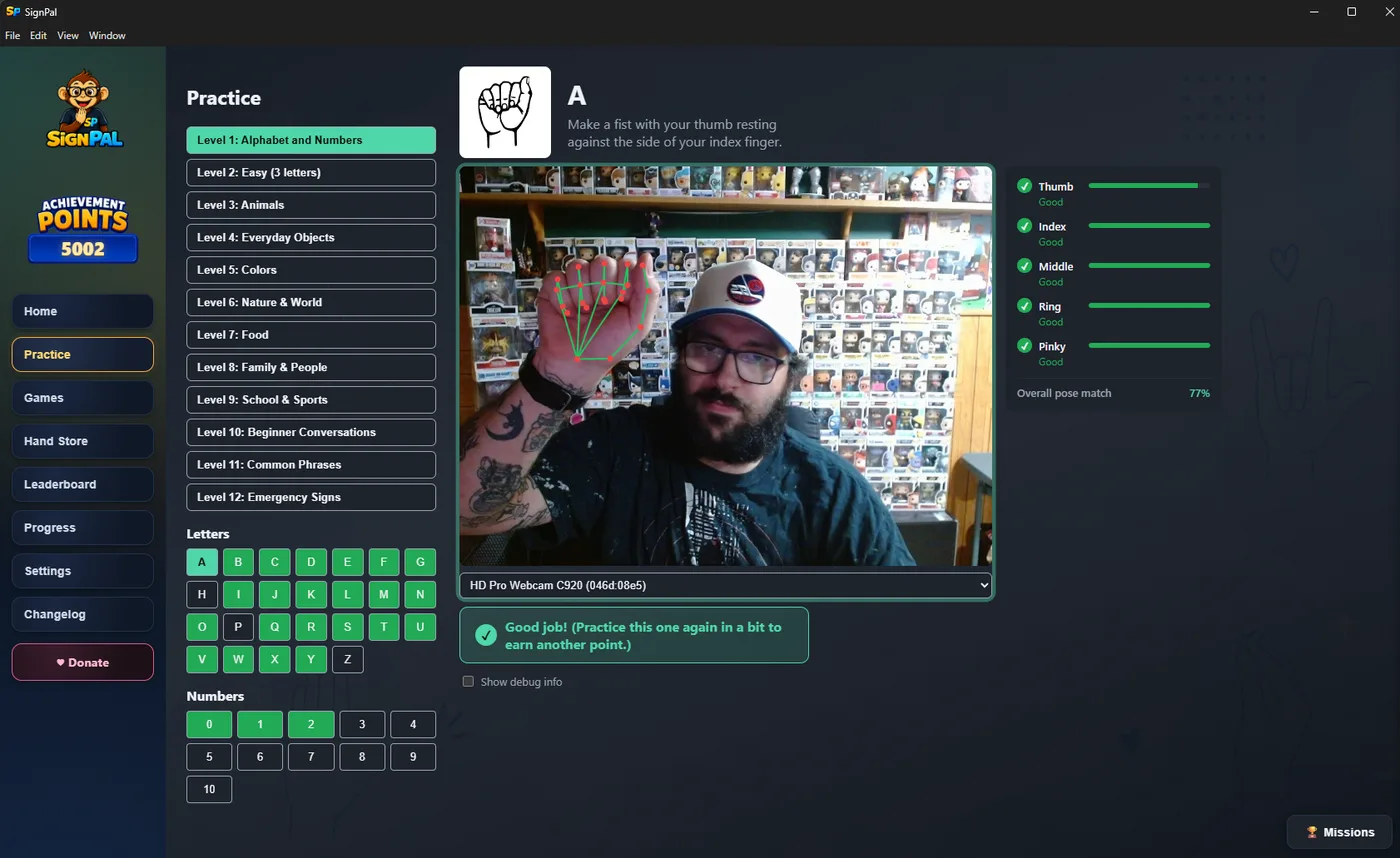
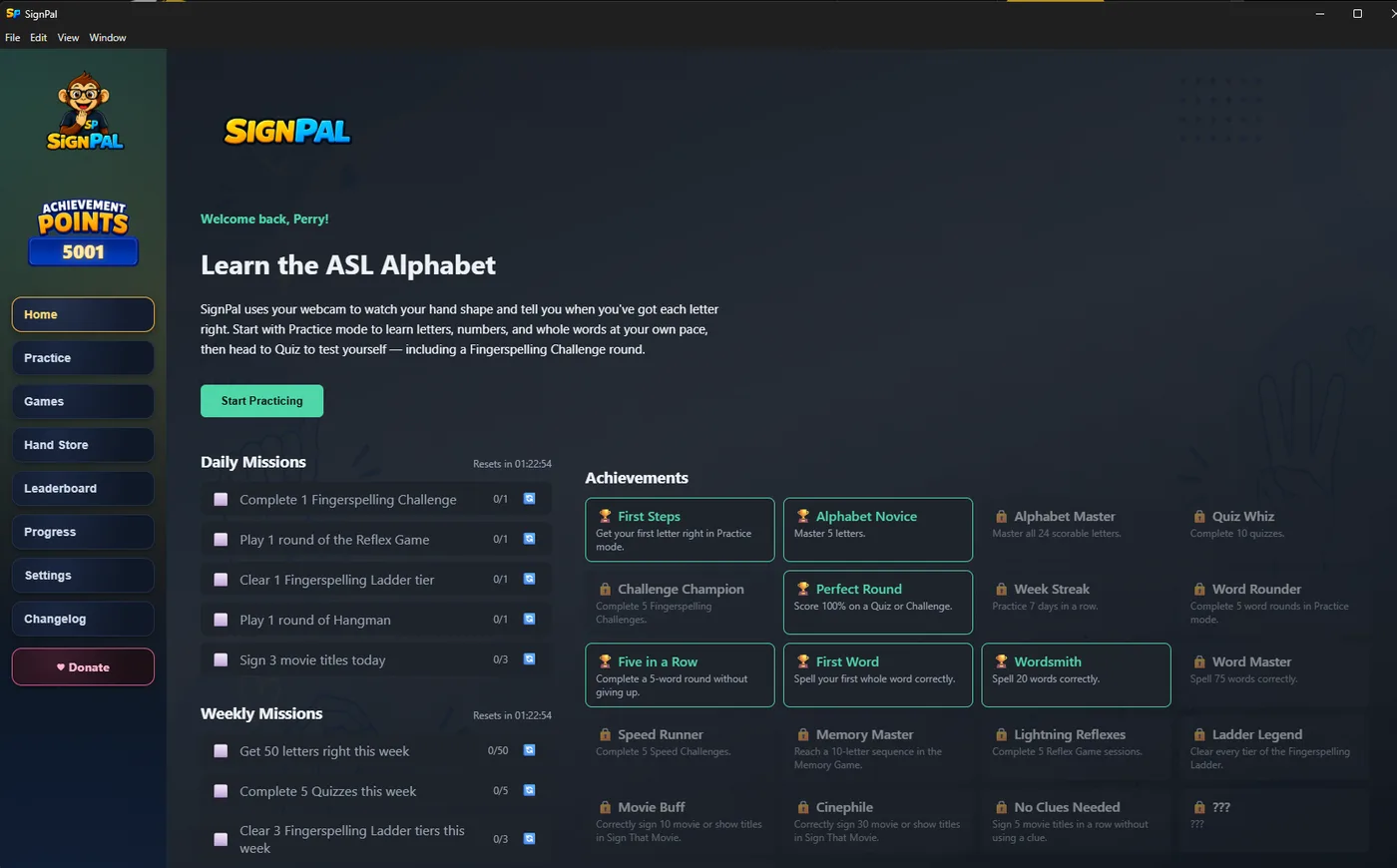
Your webcam feed with a live skeletal overlay, scoring each finger separately and giving you an overall pose match. Not a video you copy — a check on what your hand is actually doing.
Alphabet and numbers, then animals, colours, food, family, school, everyday objects, beginner conversations, common phrases, and emergency signs.
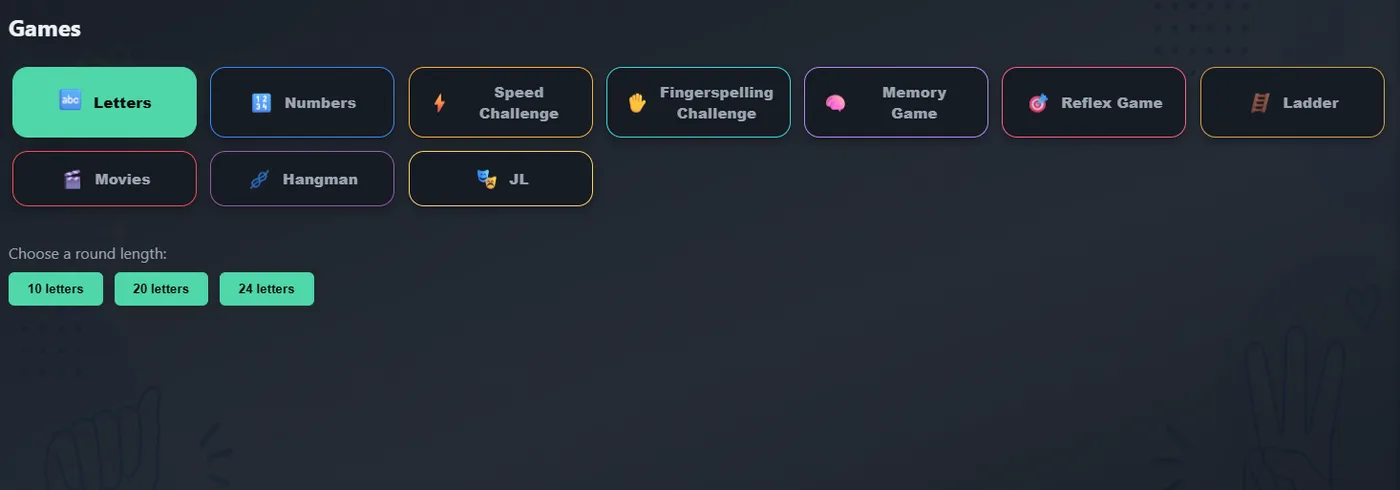
Letters, Numbers, Speed Challenge, Fingerspelling Challenge and Ladder, Memory, Reflex, Movies, Hangman and JL mode.
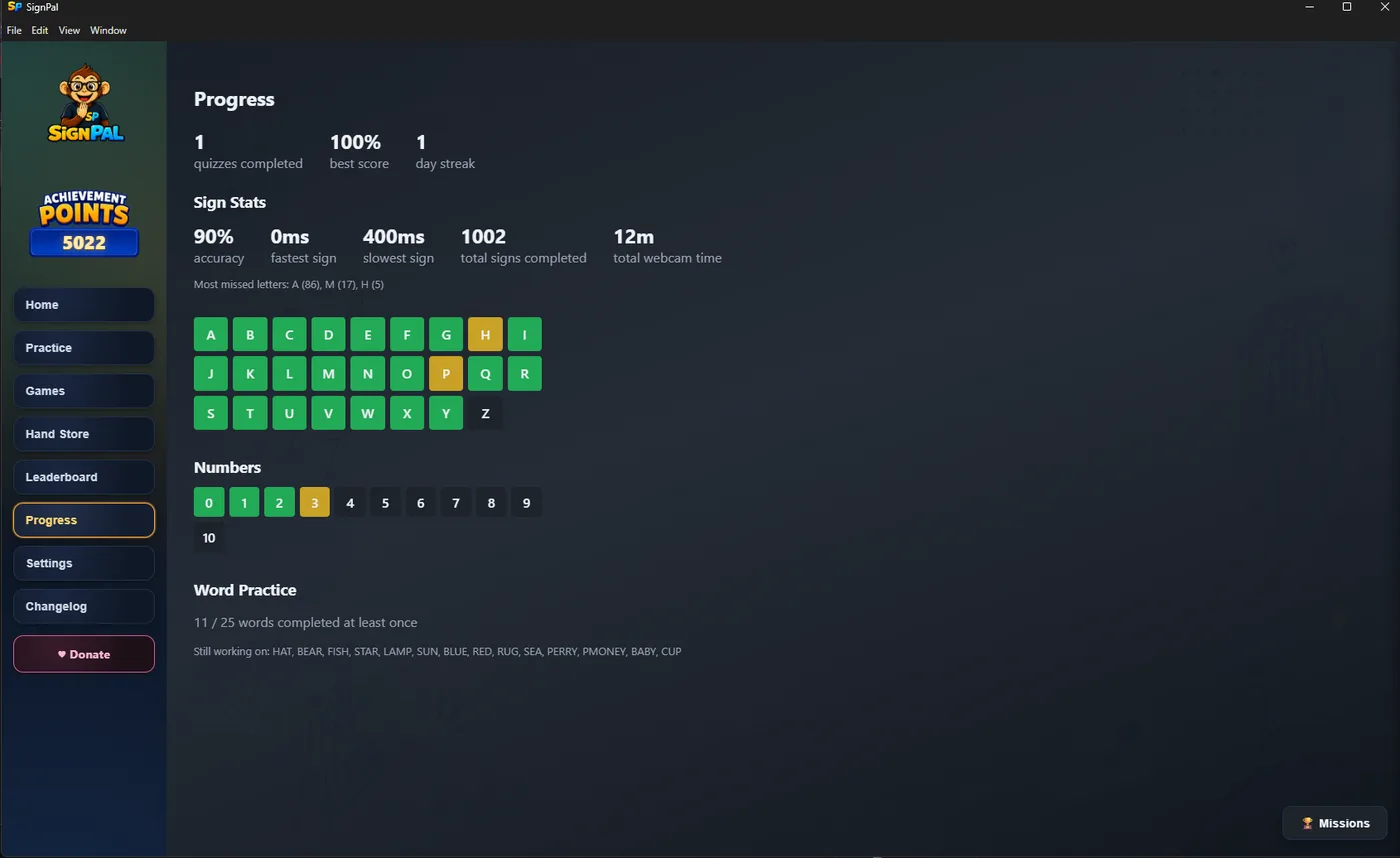
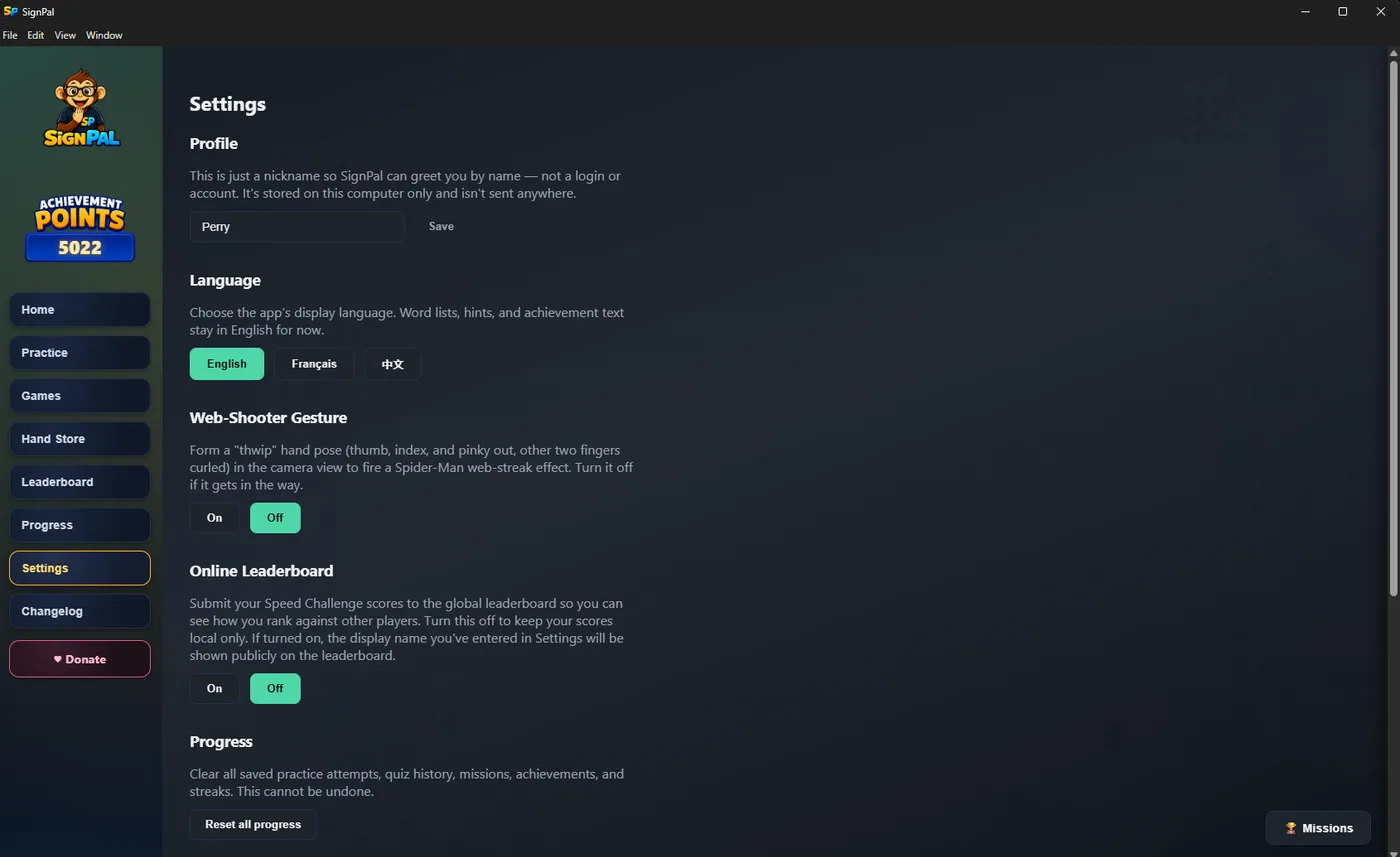
Achievement points, daily missions, and an opt-in online leaderboard for Speed Challenge. Opting out is a single setting.
Hand tracking runs on your own machine. No video is uploaded, and nothing about your practice leaves the app.
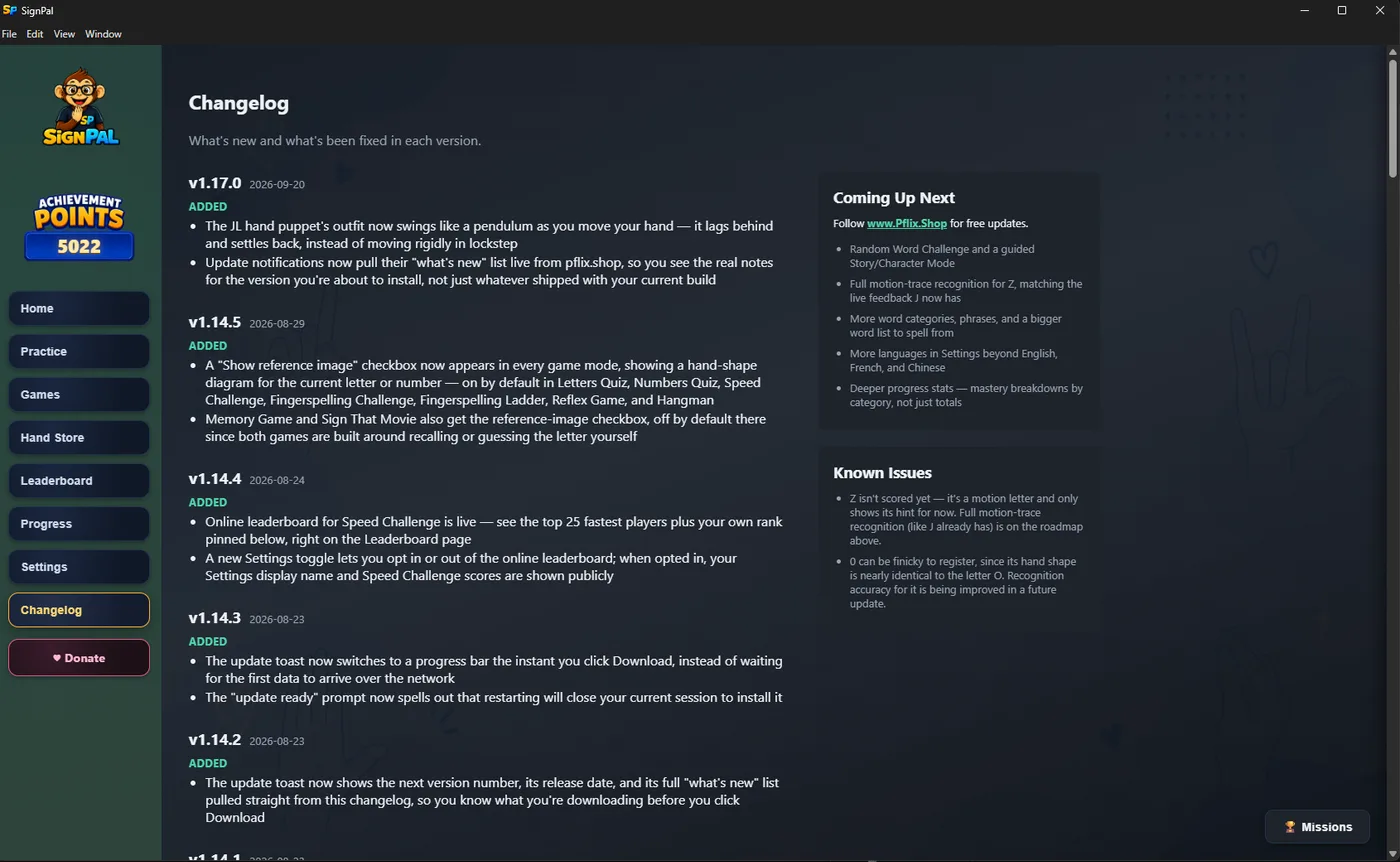
SignPal checks this site for new versions and tells you what changed before you install. You never have to come back here for a newer build.
Free, and not the kind of free with a catch
No account, no trial, no locked levels, and no ads inside the app. If you want to put something toward it there is a donate button in the app itself, and ignoring it costs you nothing at all.