Free Tool
Free Photo to Coloring Page Converter
Turn a photo into printable black-and-white line art you can colour in.
Free, private, no sign-up. Your image never leaves your device.
All processing happens 100% in your browser — we never store, see, or transmit your photos.
Drop your image here
or click to browse · JPG · PNG · WEBP · AVIF · GIF · up to 25 MB
Choose an ImageNo photo handy? Grab a ready-made page.
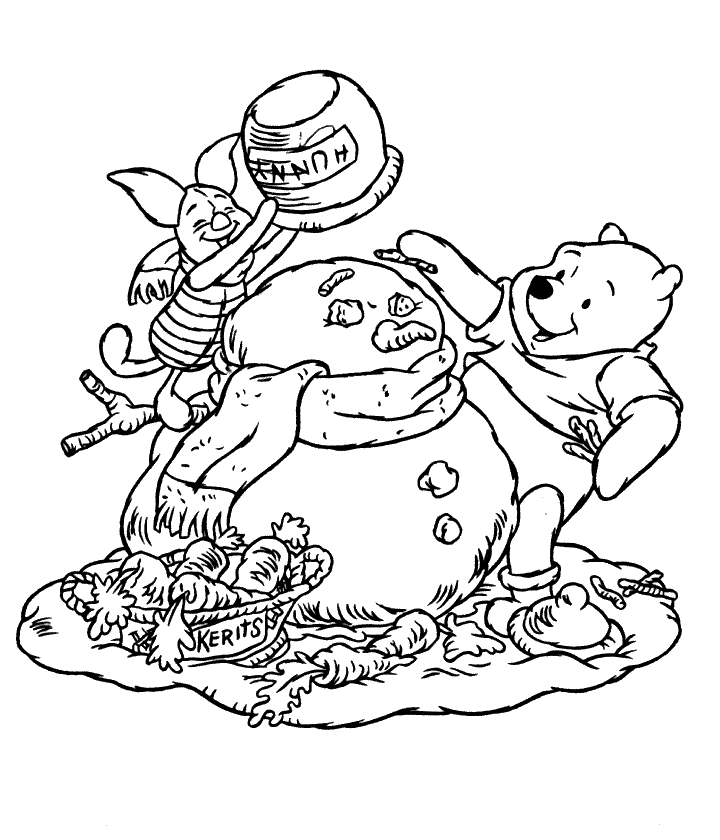
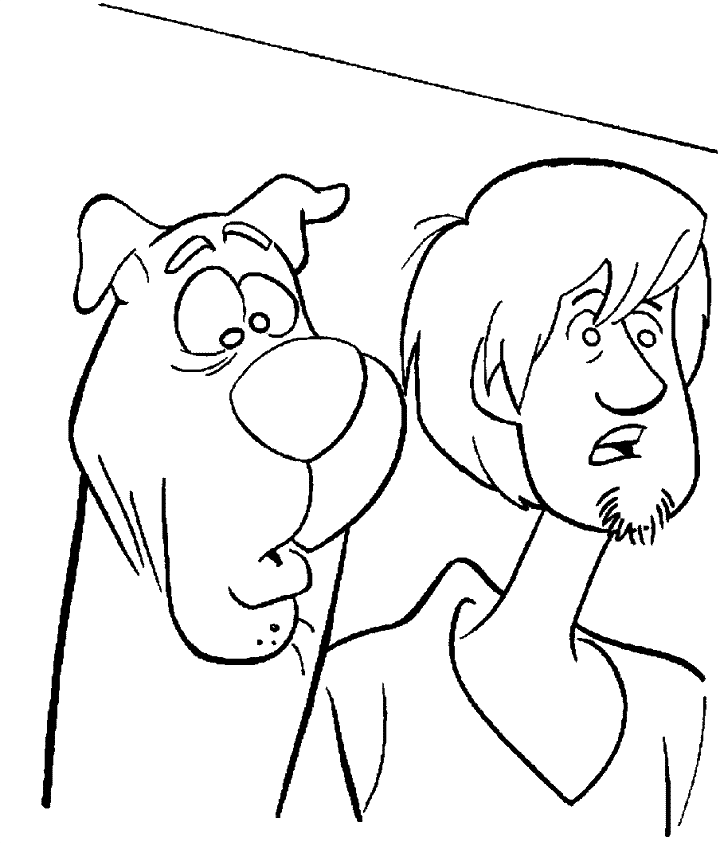
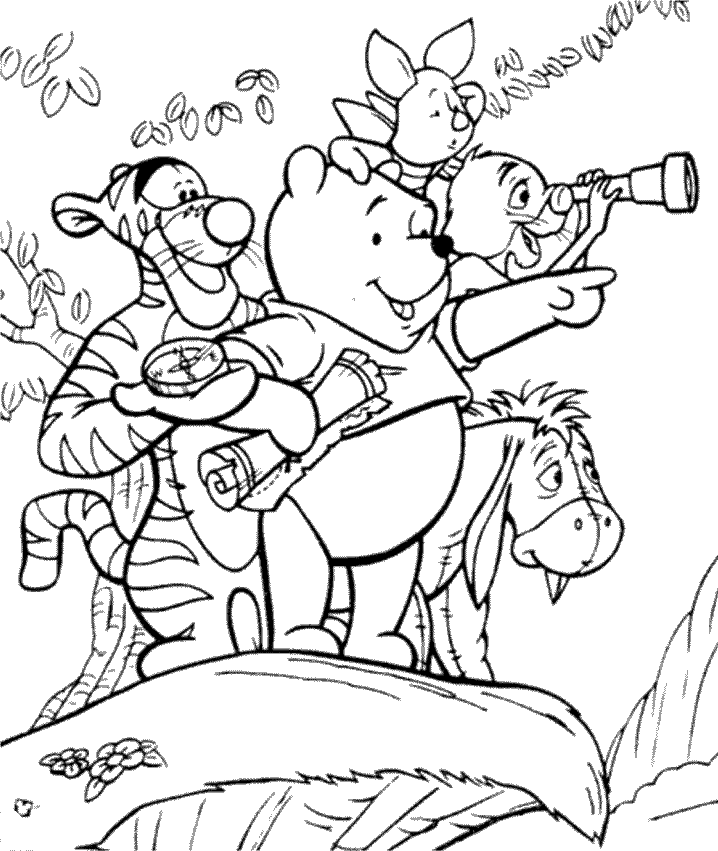
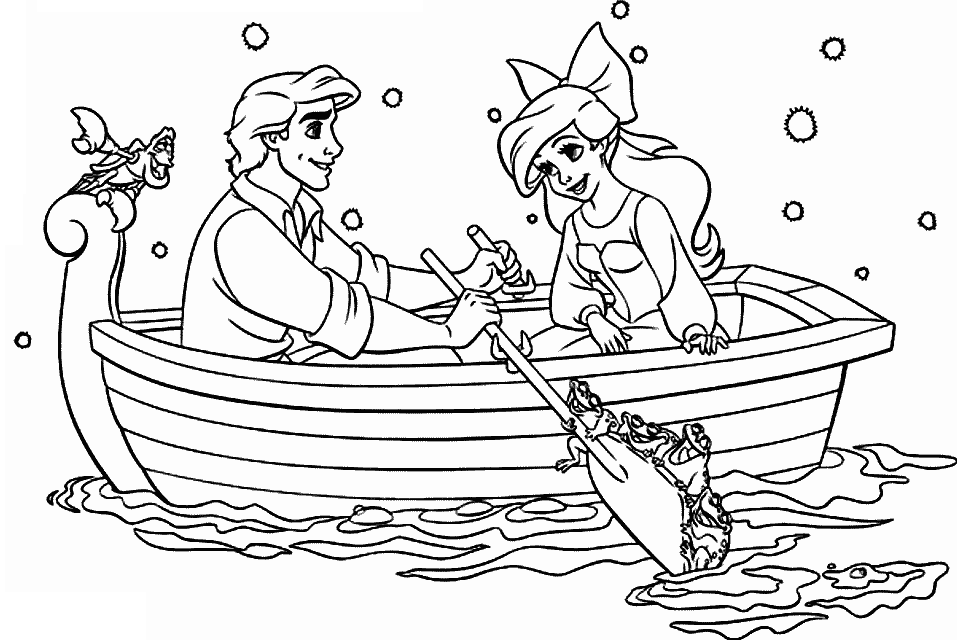
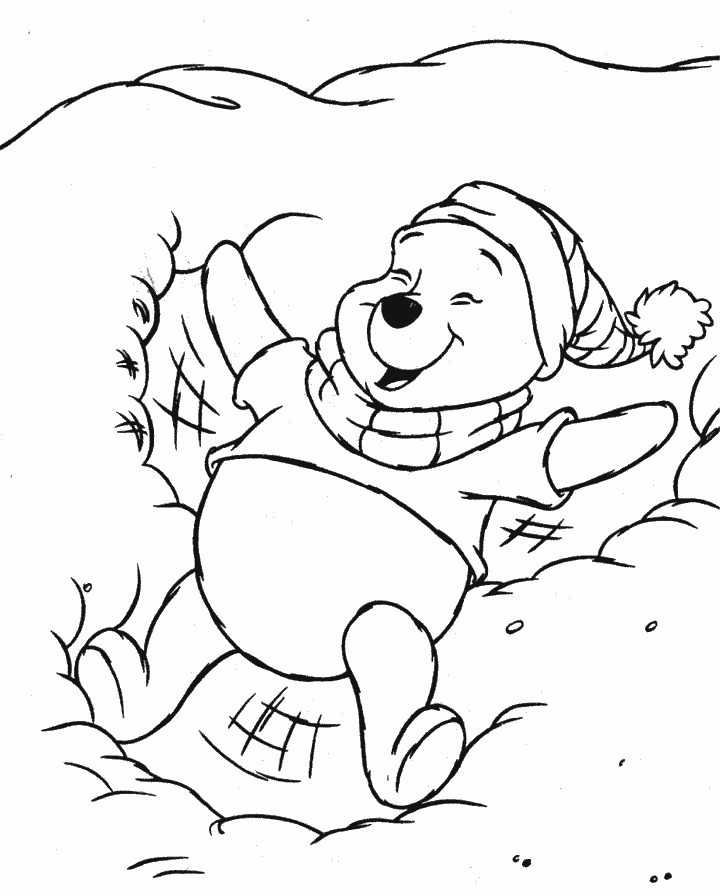
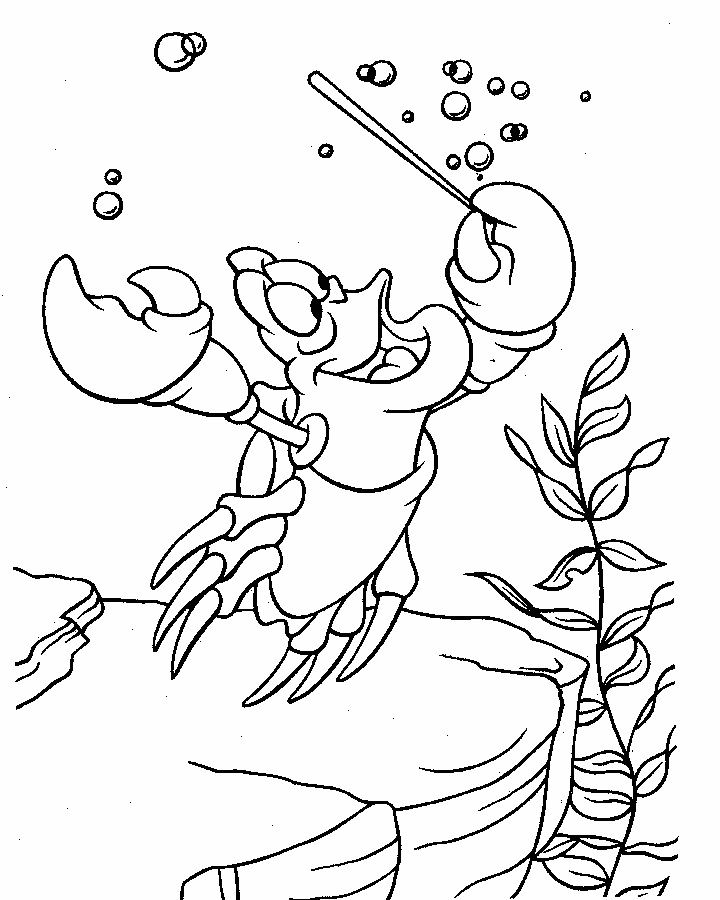
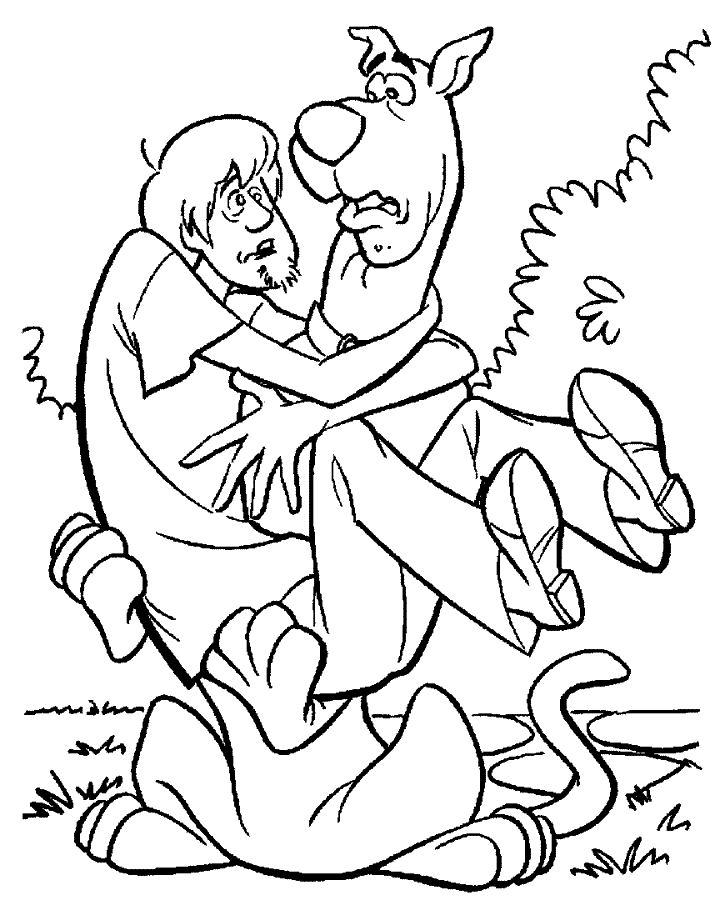
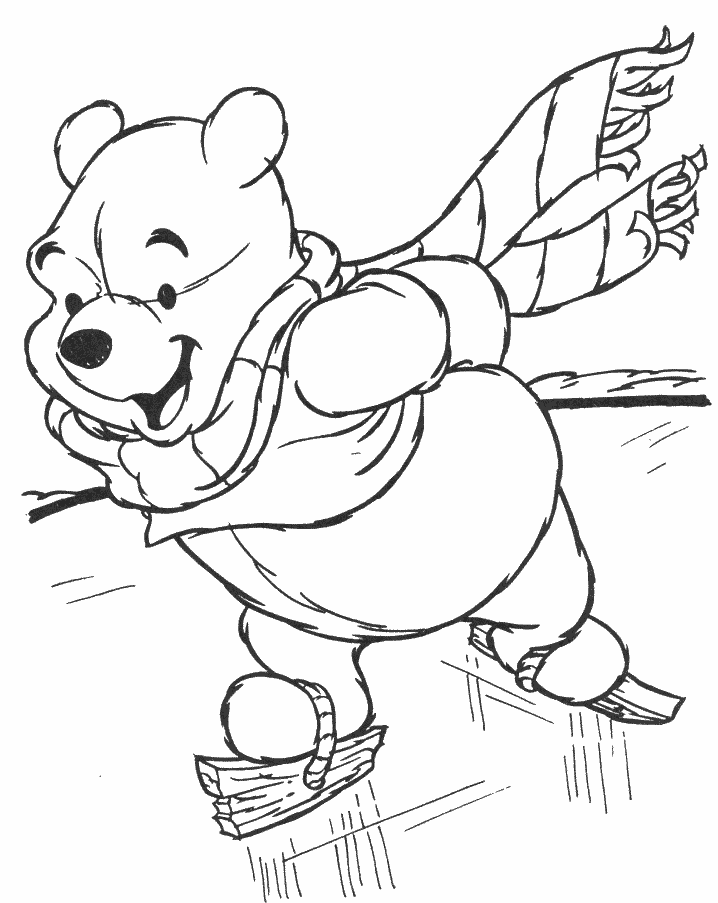
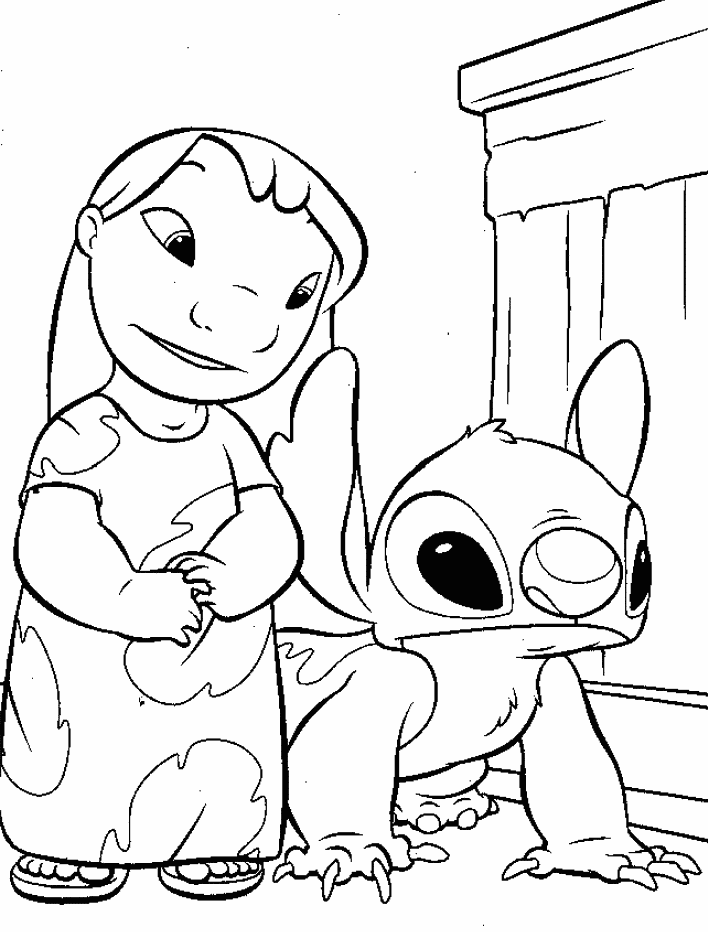
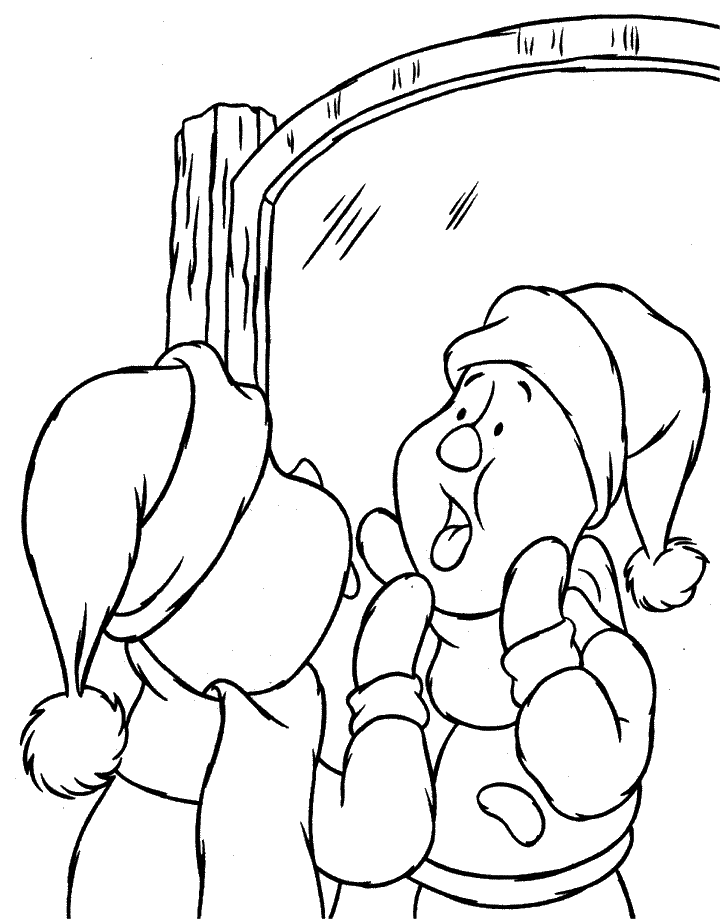
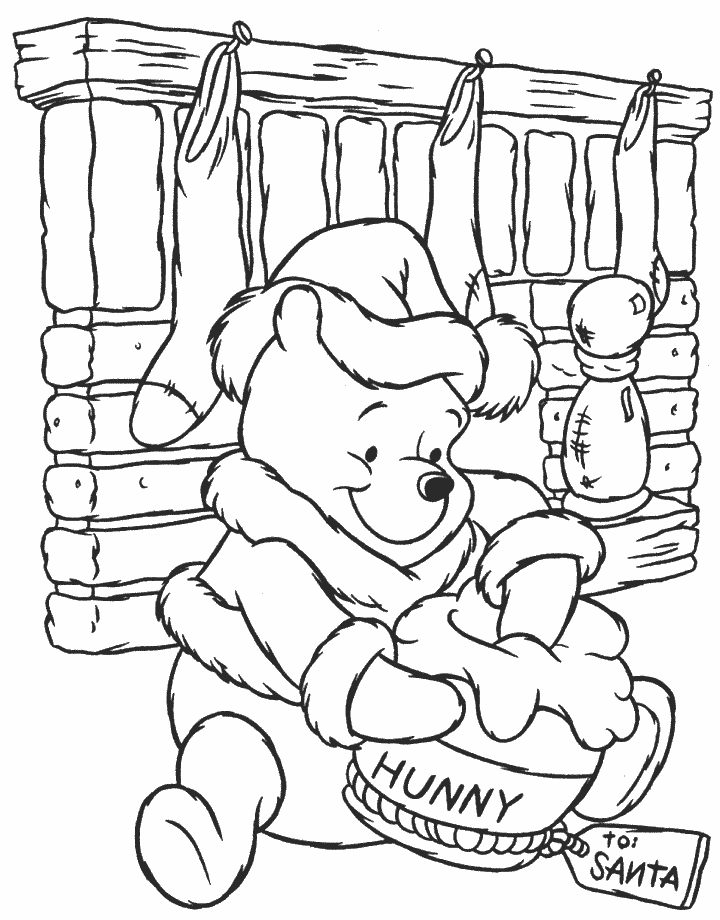
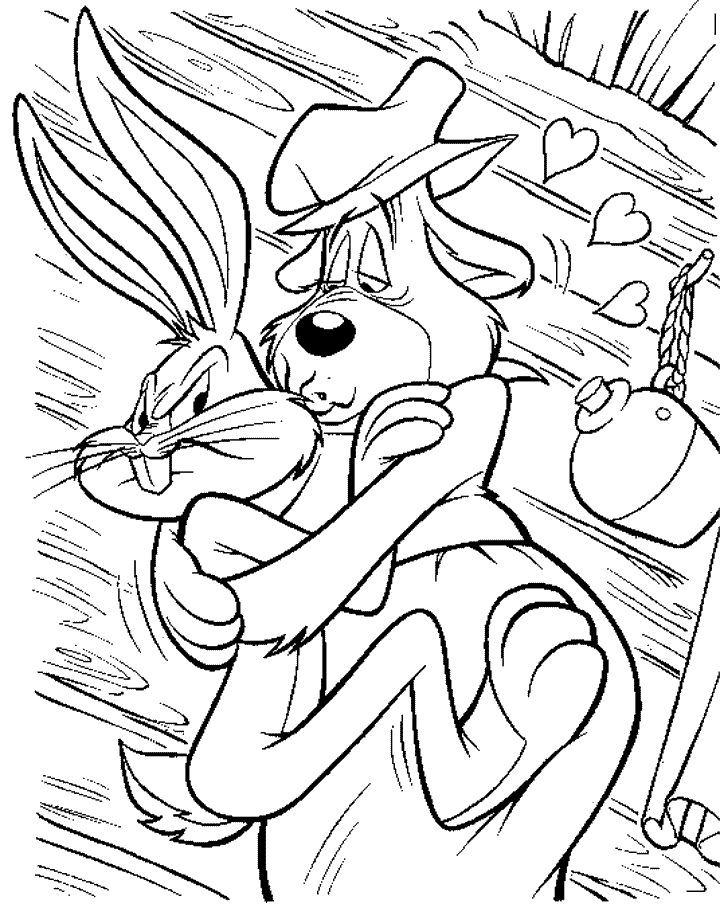
Nothing to convert right now? Browse 121 coloring pages and 8 coloring books already on the site — these thumbnails are just quick previews, so tap one to open its free download in a new tab.
Coloring pages (121)
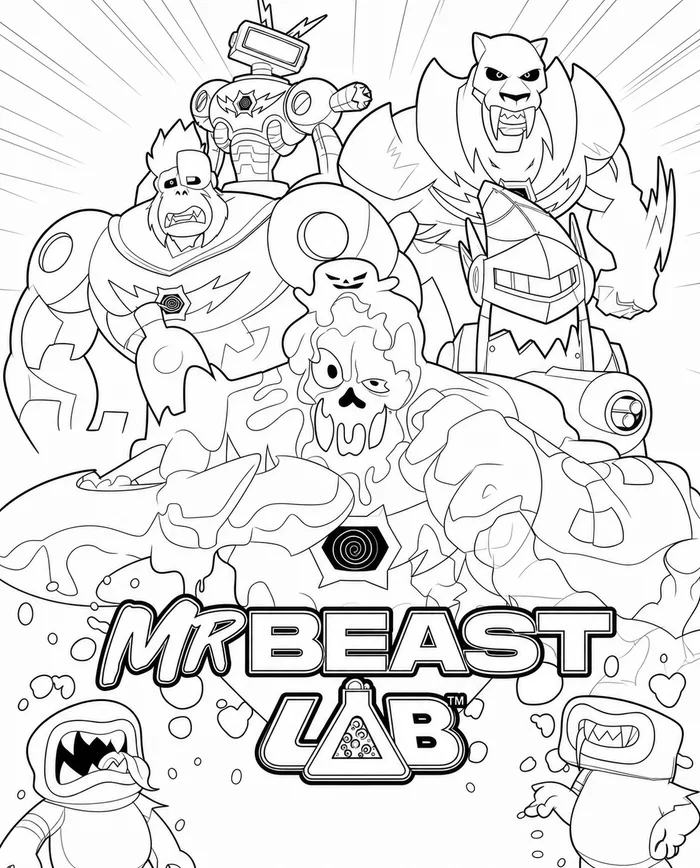
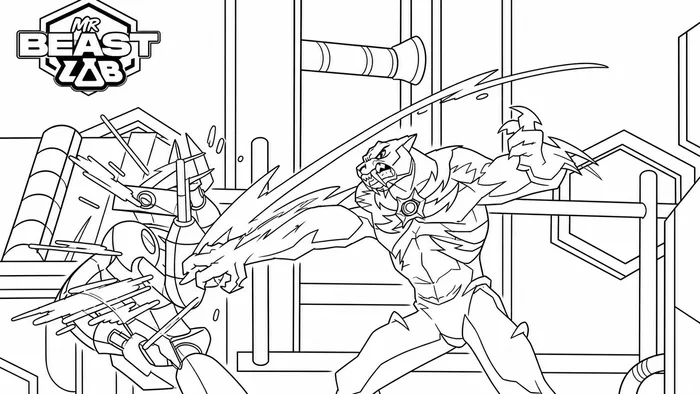
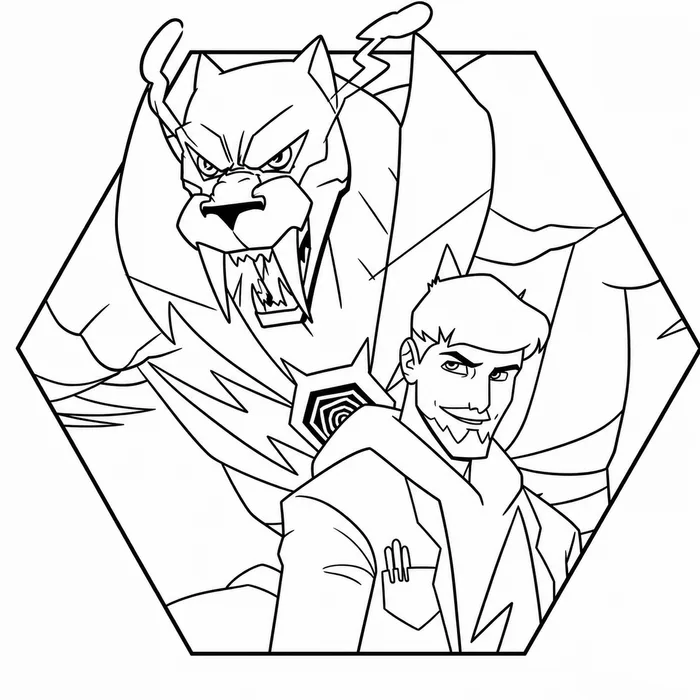
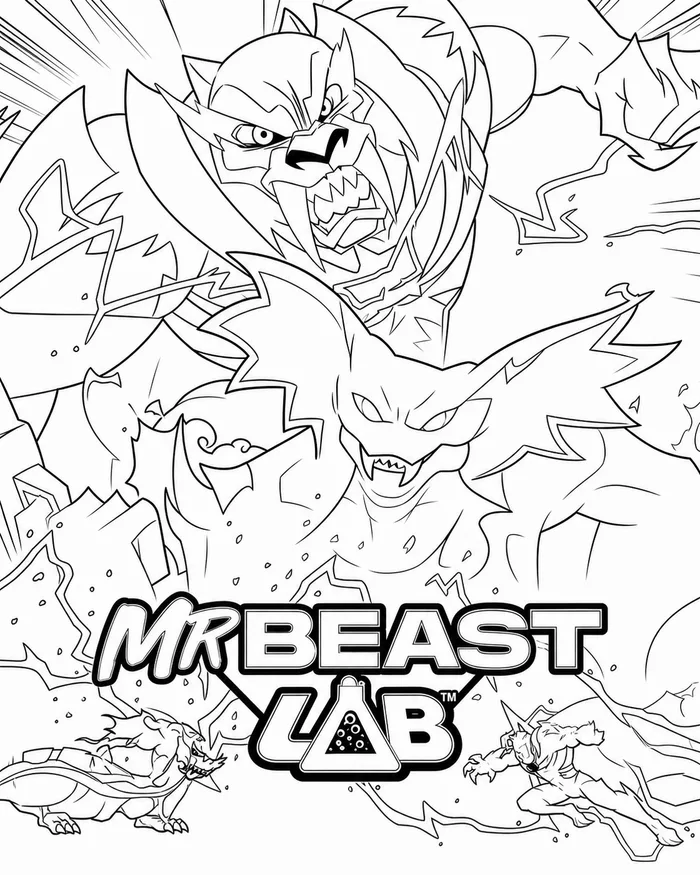

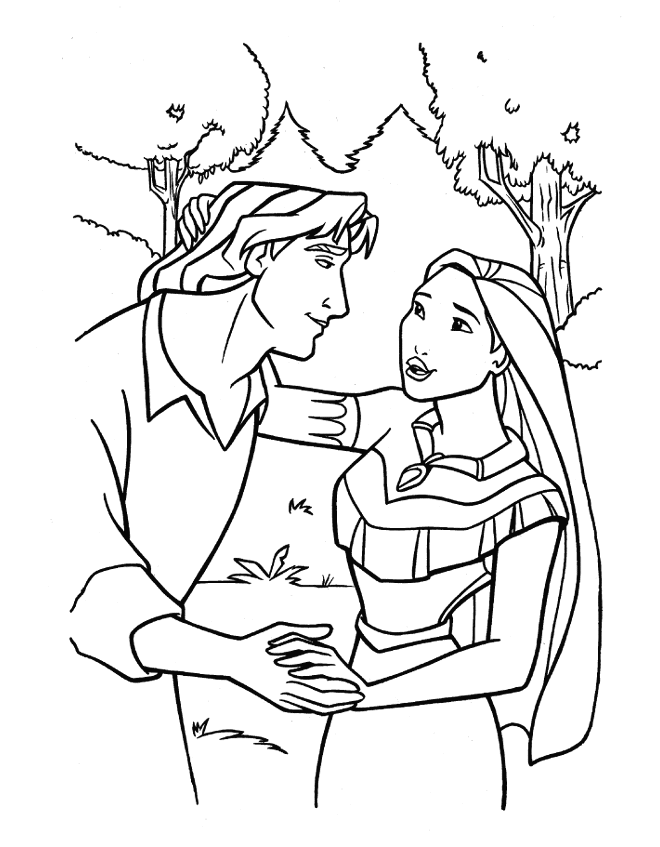
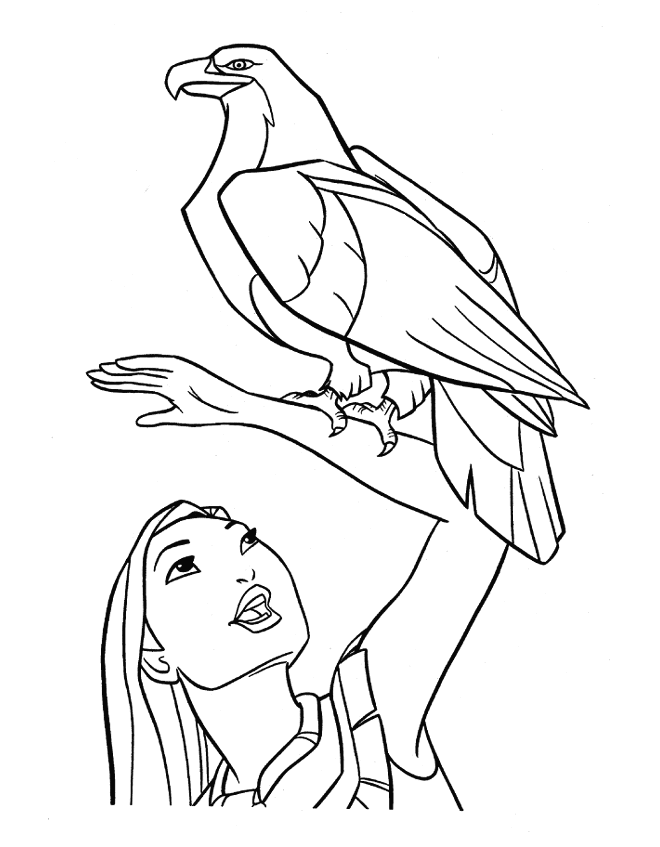
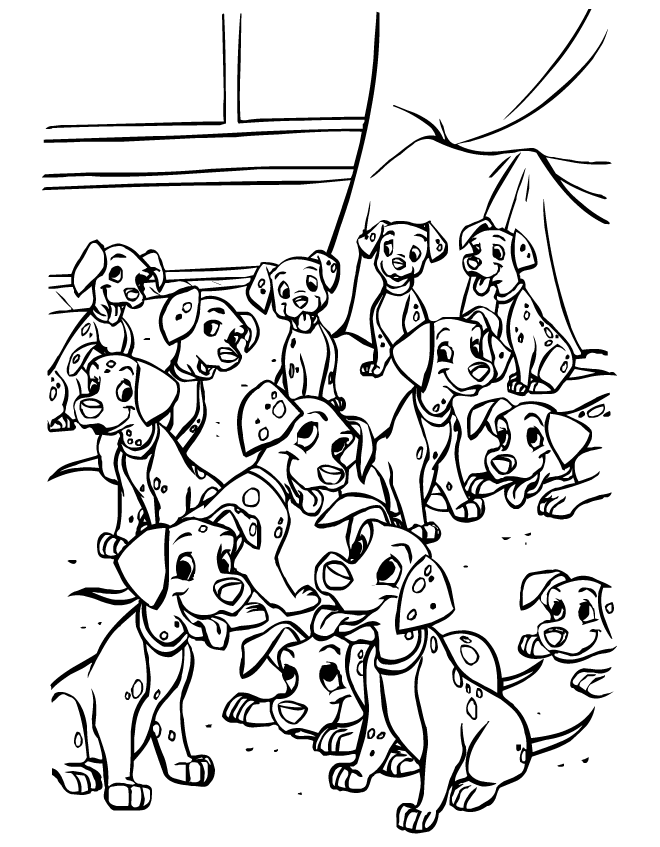
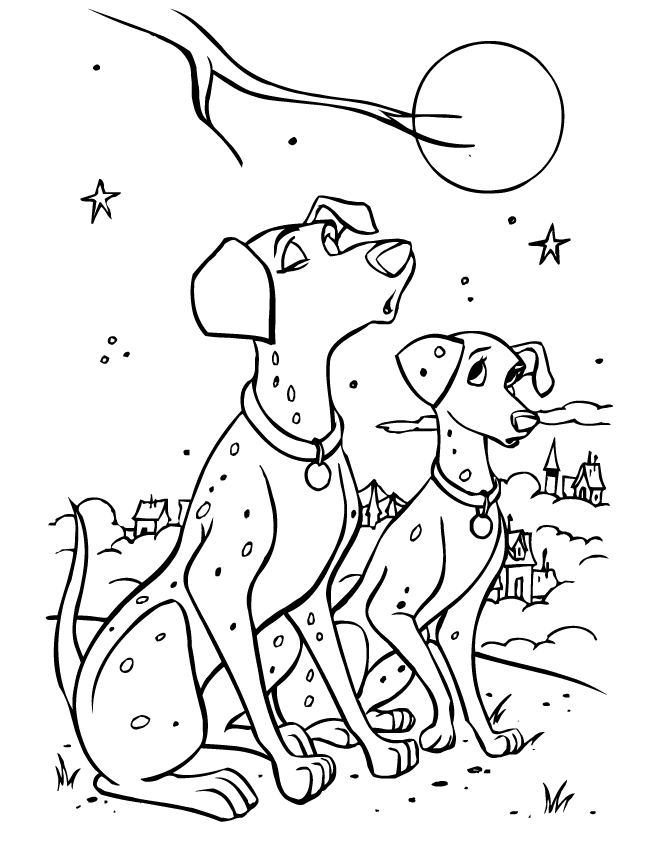

Coloring books (8)
What this tool does
100% private
Your photo never leaves your device. Every step runs locally in your browser.
Completely free
No sign-up, no subscription, no watermarks.
Print ready
Export a letter-size PDF or a PNG, ready to print at home or at school.
Everything adjustable
Line thickness, detail, simplification and clean-up are all yours to set.
Works everywhere
Desktop, tablet or phone — no app, any modern browser.
No AI, no fake claims
A named image filter: blur, Sobel edge detection, edge thinning, and clean-up. Nothing generated.
What works well
Pets
A clear shot of a dog or cat against a plain background
Cars & vehicles
Strong, hard edges — one of the best subjects for this
Family photos
Faces come out best when they are big in the frame
Buildings & places
Architecture traces beautifully into line art
Flowers & nature
Use Simple Shapes so leaves don’t turn into speckle
Clip art & cartoons
Use Trace a Drawing — it keeps the lines the artist drew
Tips for a better page
A sharp, well-lit photo with the subject filling the frame gives by far the best result. A blurry or very dark photo has few real edges to find.
Start with a preset, then nudge Detail and Simplify. Those two do most of the work.
Busy backgrounds — leaves, gravel, patterned fabric — turn into speckle. Raise Simplify and Noise cleanup, or switch to Simple Shapes.
If your picture is already a drawing, use Trace a Drawing. The photo modes would outline each of its lines twice.
Photo too dark to trace? Raise Brightness and Contrast before anything else.
After the first conversion the sliders update the preview on their own — no need to press the button again.
Related Tools
Printable Generator
Calendars, meal planners, chore charts, habit trackers, and more — pick a template and print.
Flashcard & Worksheet Maker
Turn a term list into printable flashcards or a matching worksheet with an answer key.
Word Search Maker
Turn your own word list into a real puzzle with a toggleable answer key.