PFlix Audiobook Player
Listen to your own audiobooks, or to 500 free classics from LibriVox — with chapters, speed control, a sleep timer and bookmarks. It is free, there is nothing to sign up for, and it keeps itself up to date.
Windows 10 or 11, 64-bit. The first time you run the installer, Windows may say “Windows protected your PC” — choose More info, then Run anyway. The app isn’t code-signed yet.
A look inside
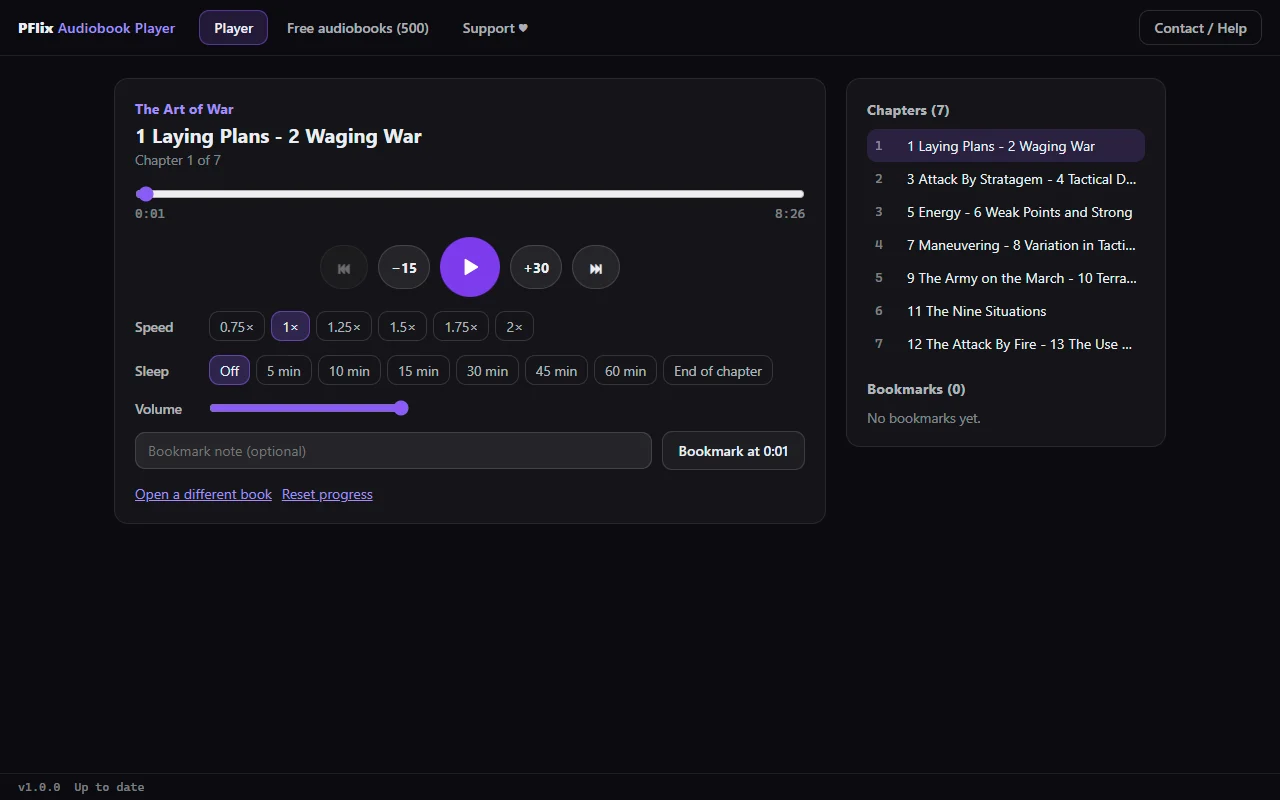
Open a folder of MP3, M4A, AAC, WAV, OGG, Opus or FLAC chapters. They play straight from your PC — nothing is uploaded, and it works offline.
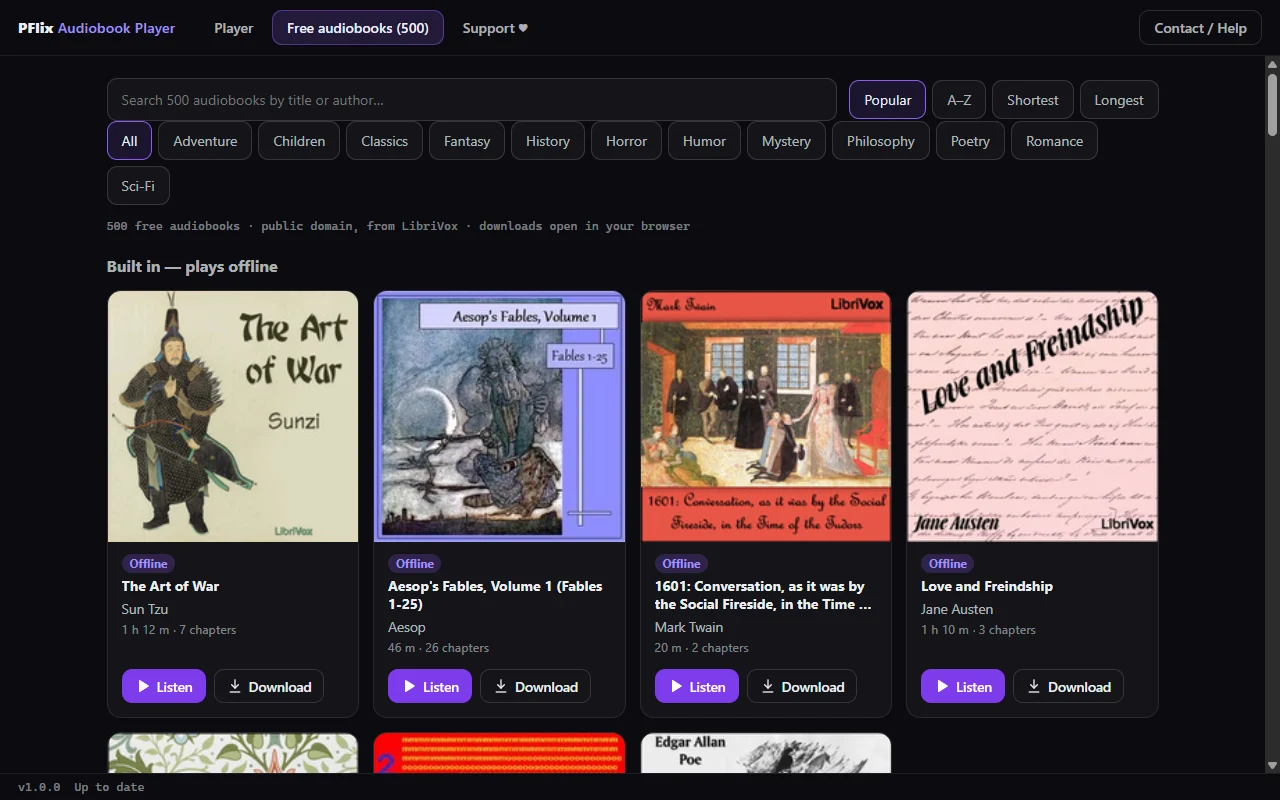
The most popular LibriVox audiobooks, a shelf of short classics built in that plays offline, and a search across every LibriVox recording. Stream in the app, or download the whole book.
Your chapter and position are saved as you listen, with bookmarks and notes for the moments you want to find again.
The app checks pflix.shop for new versions and tells you when one is ready.
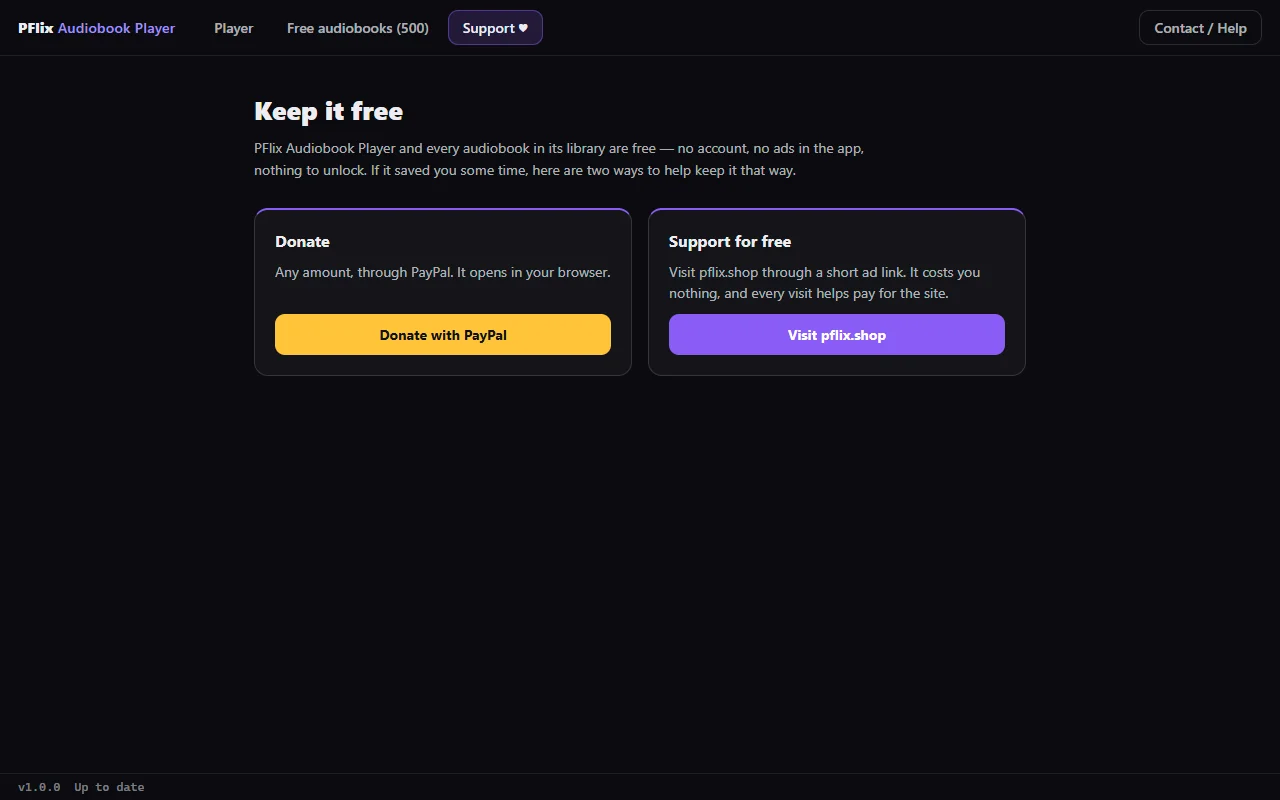
Free, and it stays free
No trial, no locked features, no ads inside the app. There is a Support tab if you want to help — and ignoring it costs you nothing.